| PHASE25 | |||
 |
|||
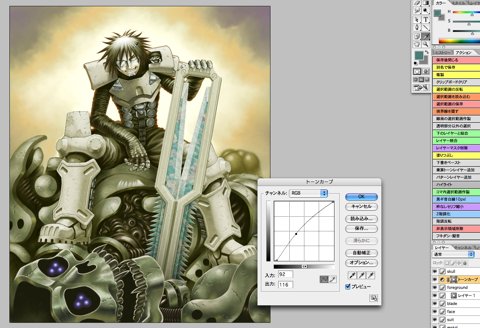
When I looked at the test print, I thought the tone of the whole background including Sechs, except the skull robot's head in the front, should be a little lighter, so adjusted the area by applying the adjustment layer on it. |
|||
 |
|||
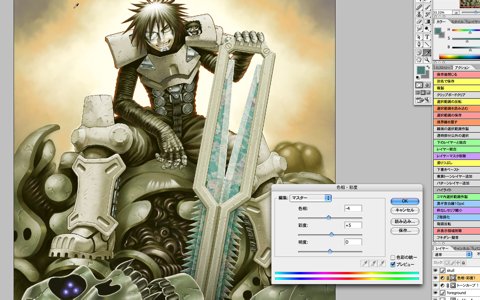
I also thought that the whole color tone was a little greenish, so shifted hue a little to red with the "Hue/Saturation" of the adjustment layer similarly. |
|||
|
|||

