| PHASE24 | |||
 |
|||
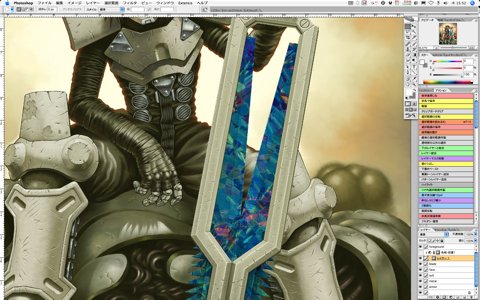
Create a selected area for the blade and paste the crystal texture to the area. |
|||
 |
|||
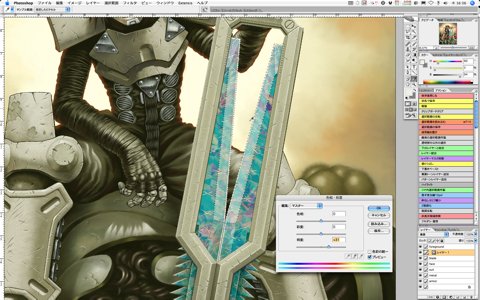
After adjusting colors of the whole texture by level adjustment, etc., select slanting surfaces to express solidity. Go to "Image" ->"Adjustments" -> "Hue/Saturation" and gain Lightness to express a look that some light is reflecting. |
|||
 |
|||
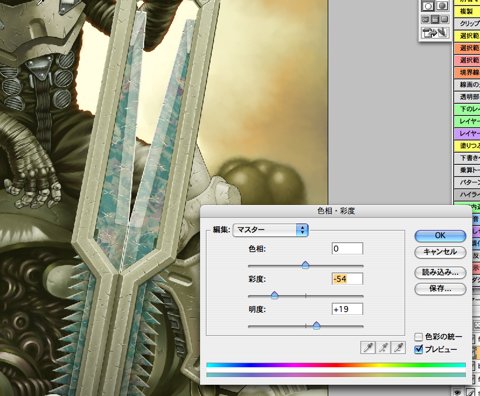
| And now, since the color saturation of the whole texture is too high and it looks not fitting, lower the color saturation at "Hue/Saturation." | |||
|
|||

