| PHASE23 | |||
 |
|||
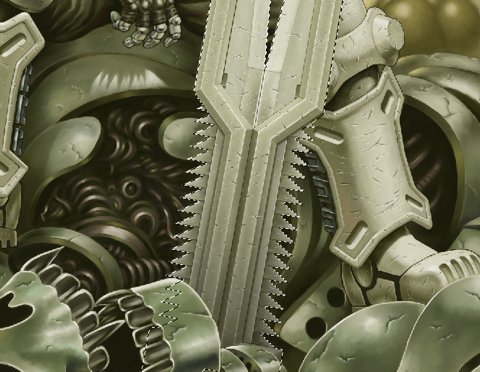
Start finishing the titanium blade. |
|||
 |
|||
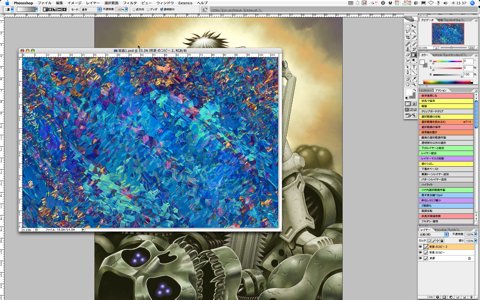
Apply a texture to the blade. Load the texture from backup for GUNNM LO vol. 5. This is what I made based on some photographs from a material collection of crystal, making full use of such as the "Crystal" filter and "Displacement." |
|||
|
|||

