| PHASE04 | |||
 |
|||
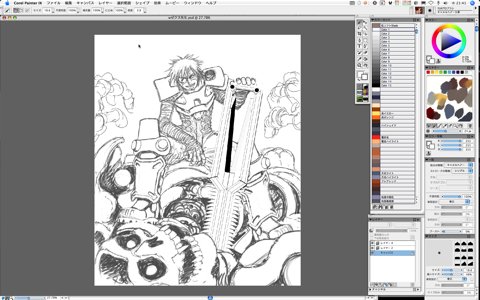
Start Painter IX and open the file saved before. |
|||
 |
|||
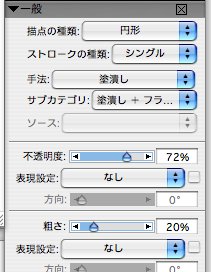
Set the "subcategory" in the "General" palette to the "Grainy Flat Cover", and add more gray lines of suitable density. |
|||
 |
|||
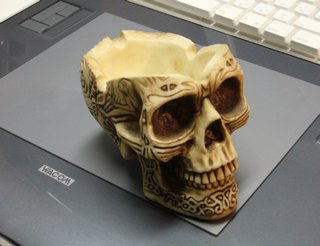
| By the way, the screen shot of the brush category above shows the "YUKITO brush" with Gally's icon because the I collect the brushes that I often use to make easy to work. In order to meet needs from creators with various painting styles, Painter offers the variation of a huge number of brushes, but I use only 4-5 brushes. Cover excessive lines using white color and refine the lines. At this time, they are divided in 3 layers -- the foreground layer that has the skull robot's head in the forefront, the middle ground layer of the blade and Sechs' background layer (in Painter, displayed as the canvas). To draw the skull robot's head, I used a skull head ornament in my workplace for a reference. |
|||
 |
|||
|
|||

