|
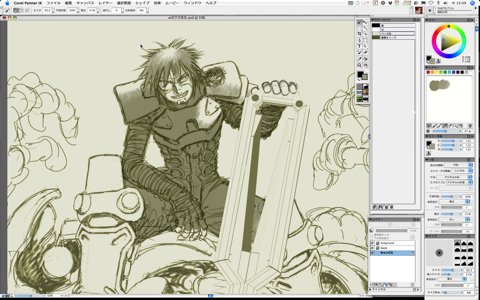
Open the file by Painter again.
First, start with simple basic painting.
Take the color from the screen with Dropper tool, and attach the shade with the "Fine Tip Water" brush of the "Digital Watercolor."
Digital Watercolor is transparent and lower colors are still visible, so the lines won't be masked.
You can paint and mix until you choose "Dry Digital Watercolor" from "Layers" menu.
If you want to save files in the state of being not dried, you need to save by the original format RIF, but this time I just use watercolor subsidiarily, so once paint mostly then dry, and save it with the PSD file.
By the way, it's very nice to see recent Painter offers more convertibility with the Photoshop file, but if you give Japanese words (double byte characters) for layer names and reopen them from the other application, the layer names become blank.
Therefore, I give layer names with single byte alphanumeric characters now.
I hope the next version of Painter will cope with it. |